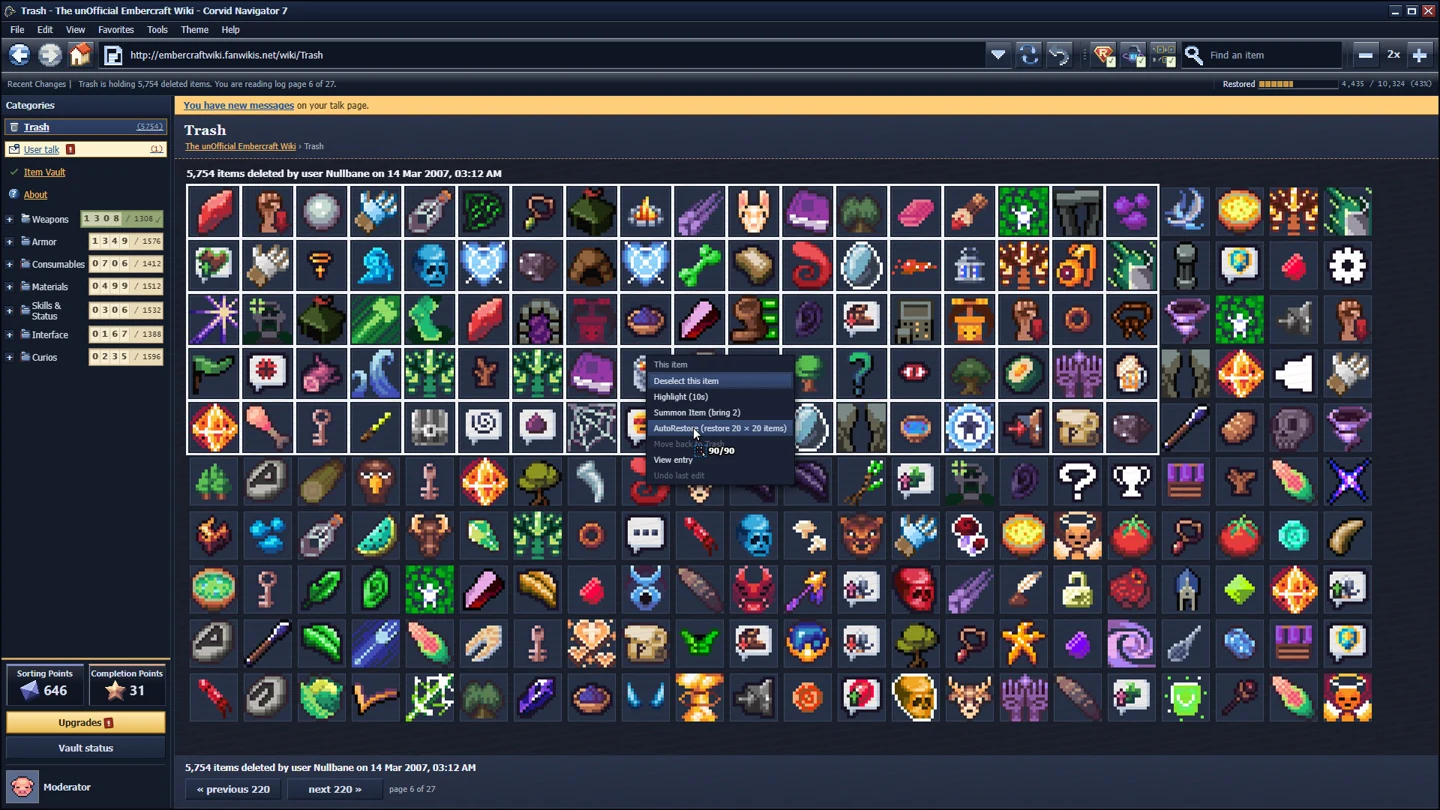
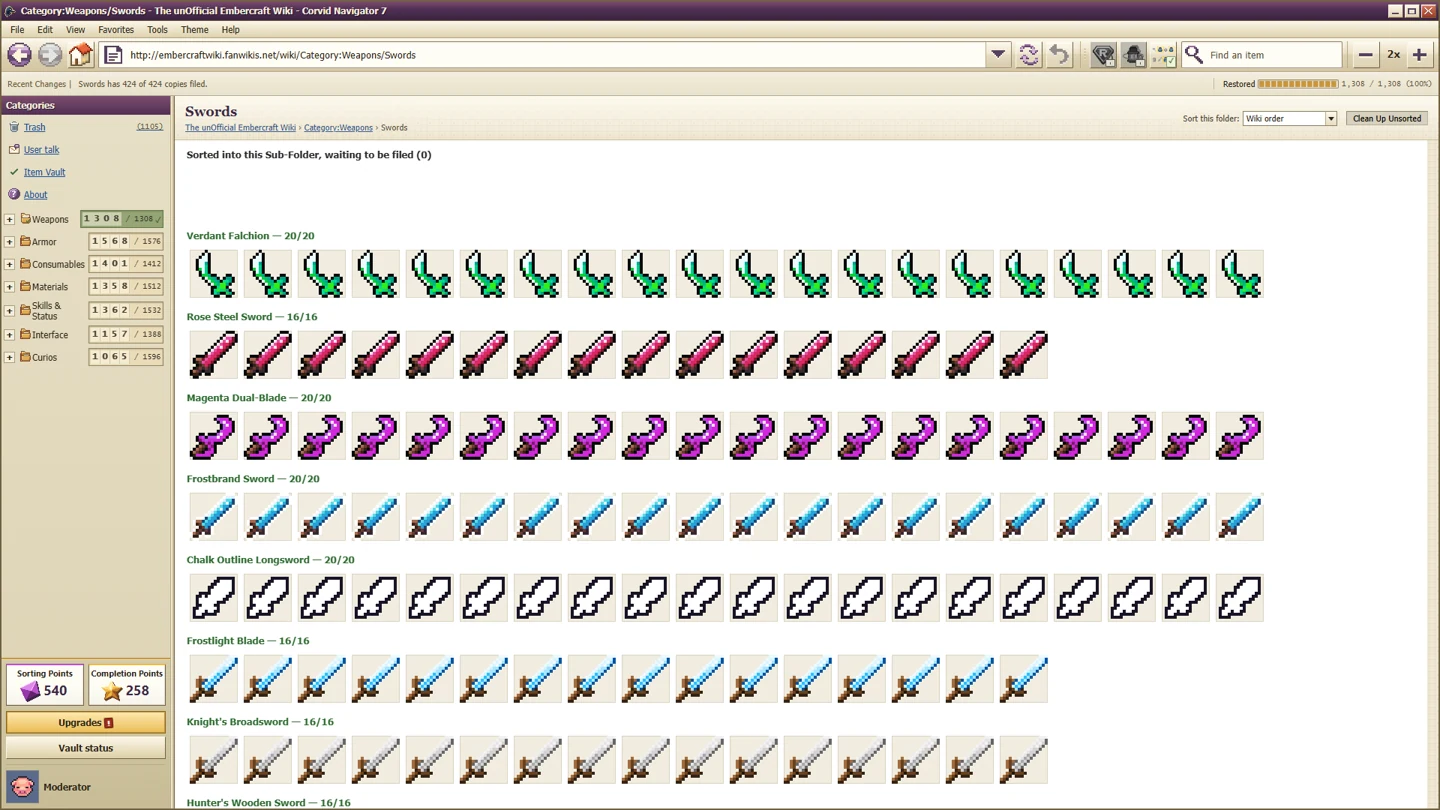
For Recognized on Sight, drag 50 items consecutively into the correct Sub-Folder or Item Folder without hovering to read an item. Update to at least 1.0.2 first: the original explanation only counted the middle sorting stage, and the developer changed it.
This is a recognition task. Normal completion, moving everything into broad categories or waiting for automatic restoration are not interchangeable with the revised drag-and-place condition.
Use the revised destination rule
The developer's original reply described correct Sub-Folder drops only. A broad Category folder did not add to that old streak, and neither did the final Item Folder. The following patch explicitly added Item Folders, making a direct drop into an item's final destination eligible too.
| Destination | Current guidance |
|---|---|
| Broad Category folder | Do not use this as your counting action; it is not one of the two destinations in the revised description |
| Correct Sub-Folder | Included in the current description |
| Correct Item Folder | Added by 1.0.2 and included in the current description |
| Wrong destination | Avoid it during the attempt; the original developer explanation says a failed or wrong placement resets the streak |
When reading old forum advice, check whether it predates the 1.0.2 patch. Advice can have been accurate when written and still send a current player through an unnecessarily restrictive route.
Prepare a recognisable set before starting
Choose item types whose icons and destinations you already understand. Use normal sorting time to learn that set, then begin the attempt. A player in the question thread suggested readily identifiable items so that tooltip reading would not be needed; that is sensible preparation, rather than a hidden rule about any particular item.
Open the intended destination, make sure you can see both the items and the place they belong, and remove uncertainty before the first counting drop. If you need to inspect a description to identify an icon, do it during preparation rather than midway through the streak.
A small screen or tiny interface can make this harder even when you know the answer. If icons or row names are difficult to distinguish, first use Interface scale and the display controls. Readability is more valuable than forcing the smallest possible interface during a recognition challenge.
Run a controlled attempt
- Confirm that the installed version includes the 1.0.2 achievement revision.
- Prepare items with known, correct destinations.
- Drag an item into its correct Sub-Folder or Item Folder.
- Continue without pausing on an item to inspect its hover description.
- Keep the attempt within one sitting and avoid wrong or failed placements.
The single-sitting advice comes from the original developer explanation, which said the streak was not saved when quitting. The revised patch does not announce a change to that behaviour. Using one uninterrupted attempt is the conservative route; we have not independently tested a quit-and-resume streak.
The older reply also mentioned roughly two seconds from picking an item up to dropping it. The current public description is framed around not hovering to read. Do not turn the old timing explanation into a newly measured, frame-exact timer. Concentrate on recognising the item and placing it promptly rather than counting seconds with a separate stopwatch.
Use direct drops for a reliable attempt
In the discussion, the developer considered expanding the condition to Multiselect, SortBot and AutoRestore. After the player responded, the developer said they would use the other suggested change: allowing Sub-Folders and Item Folders and clarifying the wording.
Patch 1.0.2 confirms that destination change. It does not explicitly confirm all the automation proposals. Accordingly, this guide recommends direct dragging for a controlled attempt and does not promise that automated batches earn the achievement.
That distinction is easy to miss when a search result highlights only the first developer reply. Read the later reply and the actual patch together. An idea discussed in public is not the same thing as a shipped condition.
If it still does not unlock
Recheck the destination, tooltip behaviour and version. Make a new controlled attempt with items you know, instead of repeating a broad-category clear and expecting a different result. If the problem persists, describe those checks in the achievement discussion so the developer can distinguish the revised rule from an older implementation.
For missing final-item or upgrade achievements, use the 1.0.3 fixes guide. Those issues have different triggers and should not be used to explain a failed recognition streak.