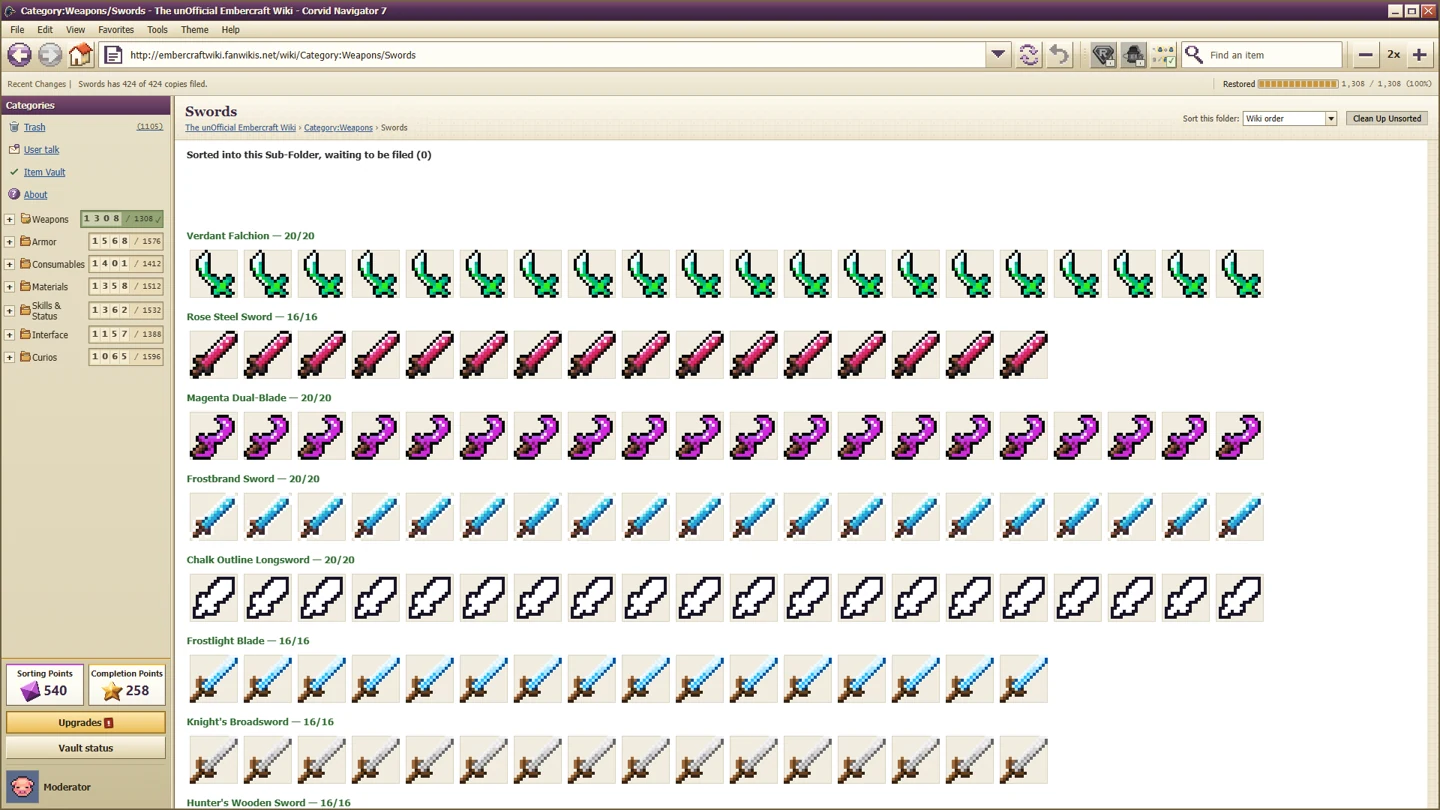
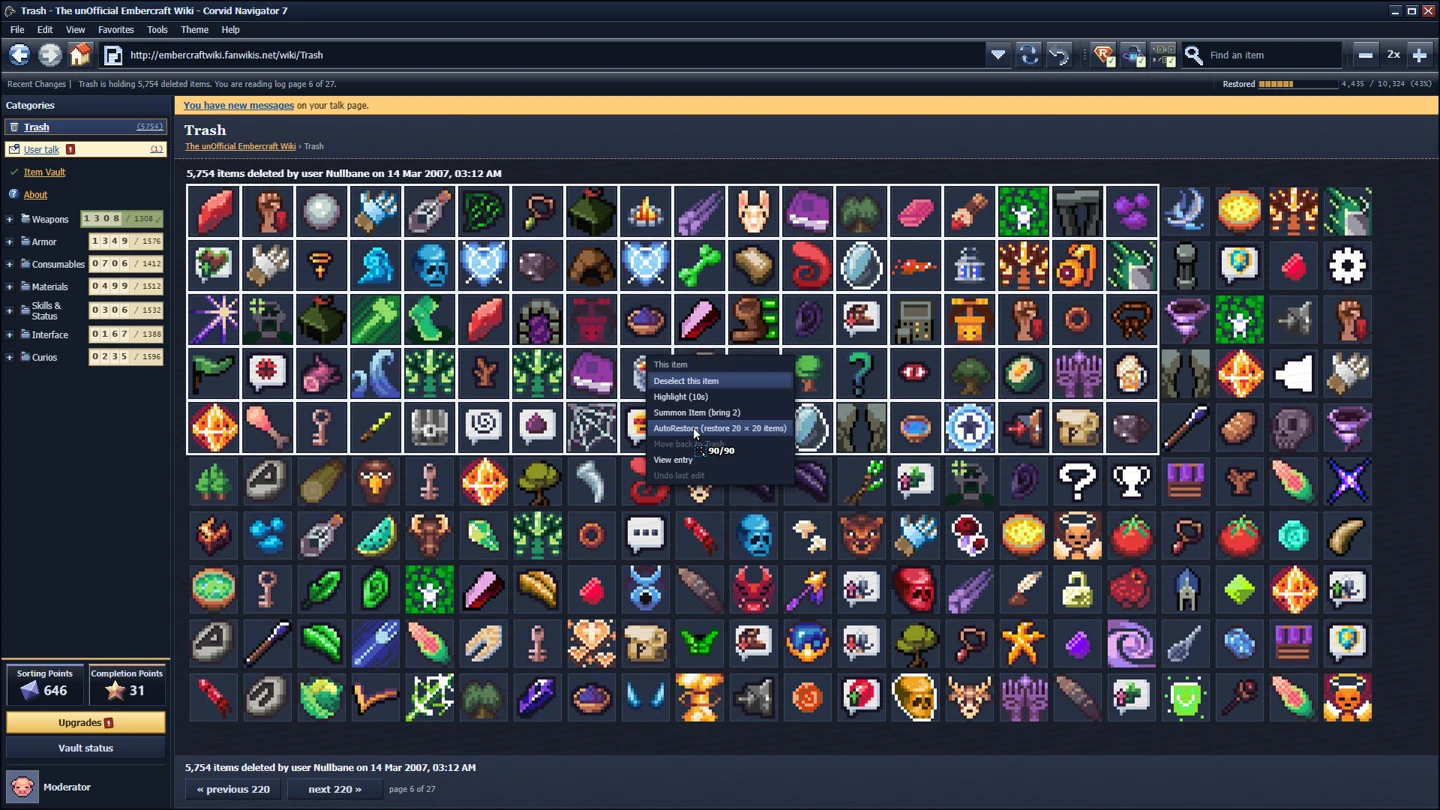
Deleted Wiki has shipped four patches since the build most guides describe. Two of them change how you fix a problem rather than how you sort items: 1.0.16 added a Report Bug button, and 1.0.20 made the game stop hammering Steam when Steam is slow. If a guide told you to hunt for a log file or restart Steam, this page is the shorter route.
Patch dates come from the developer's Steam announcements; the versions and their contents below are quoted from those posts, not inferred.
What each patch actually changed
| Patch | Date | The change that matters to a player |
|---|---|---|
| 1.0.20 | 19 October 2026 | Steam-timeout back-off, talk-page achievements catch up, Report Bug fixes |
| 1.0.16 | 16 October 2026 | Report Bug button in the main and Esc menus, fewer freezes |
| 1.0.13 | 14 October 2026 | Text size setting, main-menu themes, idle CPU work |
| 1.0.9 | 7 October 2026 | Shared settings, full control remapping, Settings cog at sign-in |
1.0.20: when Steam is down, the game now waits
The headline fix is about stutter on a bad Steam connection. Before this patch, the game asked Steam the same question many times a second; when Steam was slow or offline, that retry loop is what you felt as stutter.
What 1.0.20 does instead:
- Backs off for a minute when Steam takes too long to answer, rather than retrying dozens of times per second.
- Keeps achievements, stats and Cloud saves immediate — the back-off applies to background Steam traffic, not to the things you are actively earning.
- Catches up talk-page achievements on sign-in. If you read messages in Casual and the achievement did not fire, the game now rechecks what you have already read when you sign in.
- Fixes in the Report Bug flow reported after 1.0.16.
If your symptom is "the game hitches while Steam shows a reconnect banner", you are looking at exactly the case this patch targets. Update first, then judge the performance.
1.0.16: the bug button
This is the patch that replaced forum guesswork with a form:
- Report Bug sits next to Exit, in the main menu and in the Esc menu.
- You pick what went wrong, describe it, and tick the confirmation box.
- The report sends your description, the game's log and basic PC information — the developer states it does not send your Steam name, Windows user name or save files.
- You get a report ID you can quote on Discord or the Steam discussions.
Two consequences for troubleshooting: a report now carries the log the developer needs, and the report ID is the thing to keep. "I reported it" is not traceable; "report ID 1234" is.
The same patch fixed the item grid sometimes not updating until you moved something, and tightened Steam Input cursor checks — relevant if you play on a controller or a handheld.
1.0.13: readable text and a calmer menu
- Text size under Options → Display, with Normal, Larger (+25%) and Largest (+50%). The developer labels it experimental: the layout was designed around small text, so some words may still overlap at the largest setting.
- Main-menu themes, which is the patch that stopped the menu from being a bright flash in a dark room.
- Idle CPU work reduced, which matters on laptops.
If your screen is 4K and the interface is unreadable, this is the setting to use before any launch-argument workaround you may have found in an older thread.
1.0.9: settings stopped being per-account
Before 1.0.9, each in-game account carried its own settings. After it:
- Settings are shared by every in-game account on the machine.
- The sign-in screen has a Settings cog, so you can fix display size before you can read the menu.
- Every control can be remapped.
- Interface scale moved to Settings → Display, replacing the old separate Display button.
That last line is why old guides still send people to a Display button that no longer exists.
How to tell which patch you are on
Open the game and check the version on the main menu or the store page's update history, then compare against the table above. The practical cut-offs:
- No Report Bug button → you are before 1.0.16. Update before filing anything.
- Stutter whenever Steam reconnects → you are before 1.0.20.
- Text size option missing → you are before 1.0.13.
- Separate Display button at sign-in → you are before 1.0.9.
What these patches did not change
- Sorting logic, folder rules and item behaviours are untouched by all four. A guide about where an item belongs is still valid.
- Achievement conditions for Founders, Recognized on Sight and the hidden final item are unchanged; only the talk-page catch-up and the earlier 1.0.3 trigger fixes move the needle.
- Save compatibility is not mentioned as broken in any of these posts, so updating mid-save is not something the notes warn against.
FAQ
Should I update before reporting a bug?
Yes. If you are below 1.0.16 there is no bug button, and if you are below 1.0.20 you may be reporting a stutter that is already fixed.
Does Report Bug send my save file?
The developer's post says the report includes your description, the game log and basic PC information, and explicitly not your Steam name, Windows user name or saves.
My talk-page achievement did not unlock — is that fixed?
1.0.20 rechecks talk-page messages you have already read when you sign in. If it still does not fire, the remaining causes are the ones on the achievement page, not the patch.
Where do I see the text-size setting?
Options → Display → Text size after 1.0.13; the same option is reachable from the Settings cog on the sign-in screen.
*Patch contents are summarised from the developer's Steam announcements for 1.0.9, 1.0.13, 1.0.16 and 1.0.20. Screenshots are official store media used as illustration.*