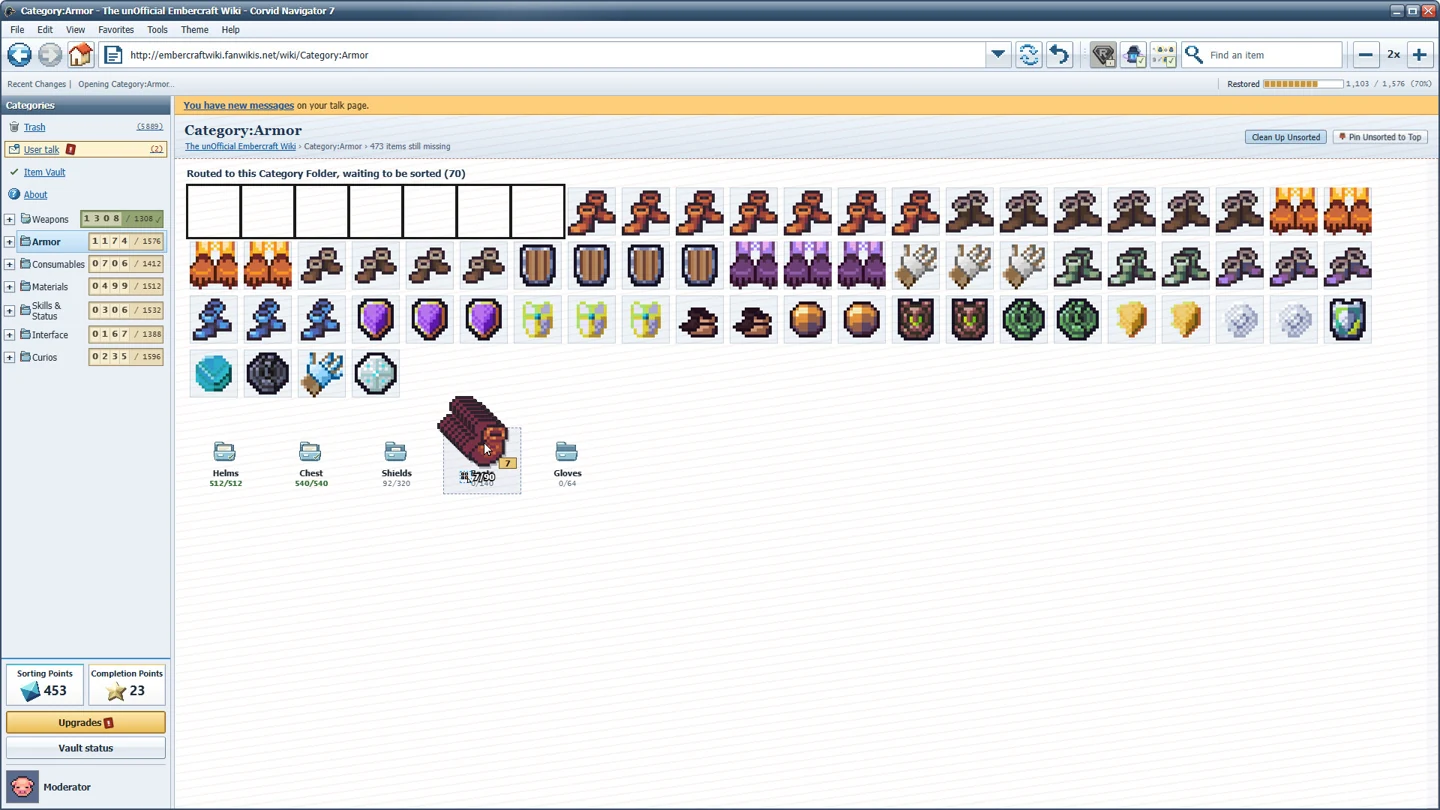
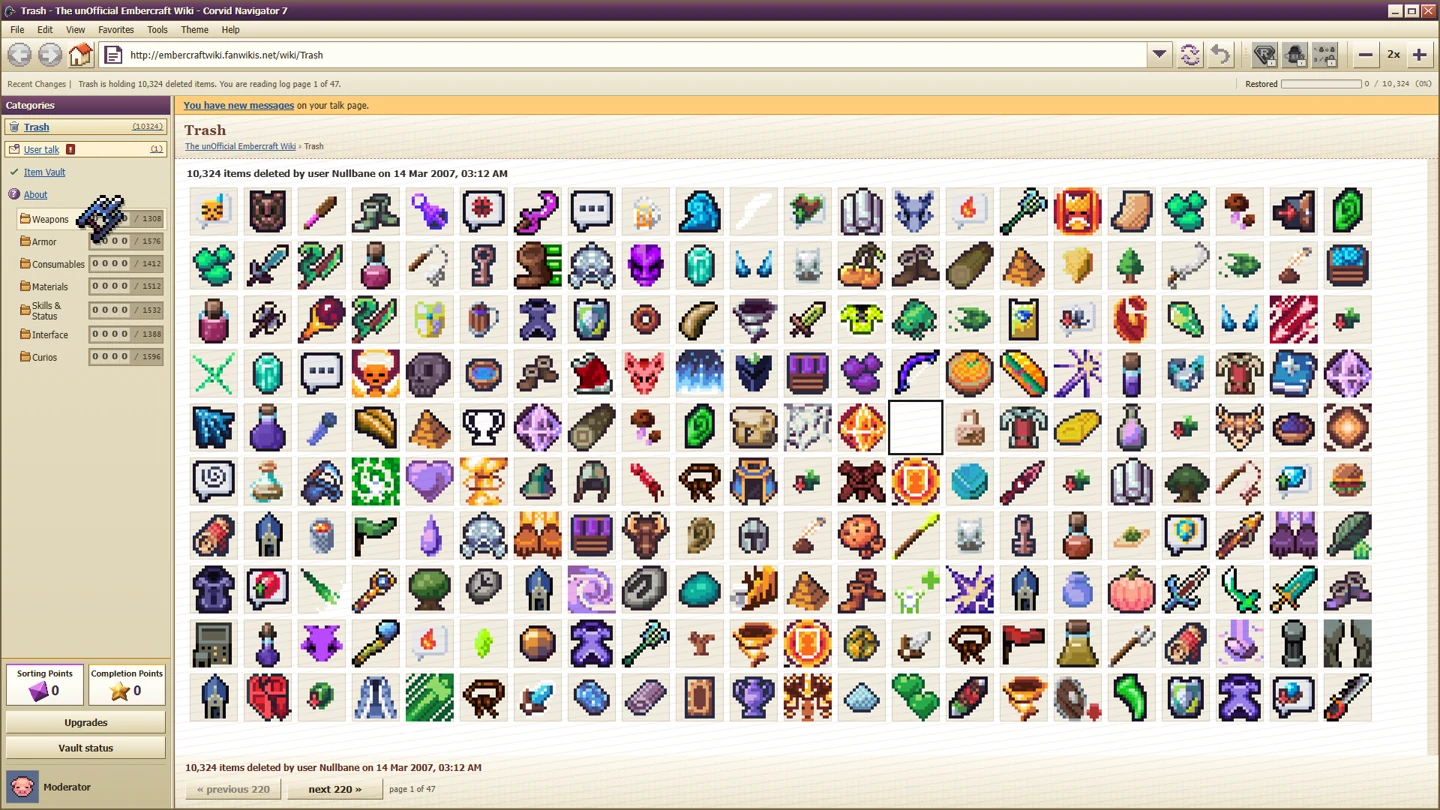
If Deleted Wiki is too small on a 4K screen, use Options → Display → Interface scale. Patch 1.0.2 added automatic scaling and manual choices from 100% to 400%, limited to the sizes that fit your screen. A Display button on the sign-in screen lets you adjust it before choosing an account.
An older player workaround used an Electron launch argument. The built-in setting is now the first route to try. You do not need to copy a pre-patch launch command simply because a search result still recommends it.
Fix the interface before opening a profile
- Update the game so that the 1.0.2 display changes are installed.
- At sign-in, use Display if the interface is too small to navigate comfortably.
- Start with Auto, then choose an offered manual size if you need larger text.
- Inside the game, revisit Options → Display → Interface scale to refine the choice.
Only the sizes that fit your screen are offered. If 400% is not listed, that is consistent with the patch description; it is not automatically a missing-feature bug. Choose the available size that keeps the destination folders, item names and page controls readable.
Large text and a dense item grid involve a tradeoff. The official website separately lists three icon sizes and seven browser skins. Interface scale controls the overall display size; the icon-size choice is about how the item grid appears. Do not assume those controls are the same setting or that a smaller icon guarantees a faster run.
Understand the old 4K workaround
The original report came from a Linux player on Fedora Kinoite using Steam Flatpak and Proton Experimental. They showed a tiny interface and used a force-device-scale-factor argument to enlarge it. The developer then worked on a built-in fix, released in 1.0.2.
That history explains why the workaround appears in discussions, but it does not make it the best current starting point. Try the native game setting first. If you already added a scale-forcing argument for this specific old issue, remember that it is an extra change when comparing your display with the updated default.
We have not tested every distribution, compositor or multi-monitor configuration. Do not generalise that one report into a promise that an exact launch argument fixes all Linux systems. If the built-in scale remains wrong, report your resolution, display scaling, operating system and chosen in-game value.
Steam Deck support is a separate question
The official launch announcement says the game runs on Steam Deck through Proton and has a Deck display mode that activates automatically. Deck-specific display support does not provide a complete button-by-button controller layout.
The game's main interaction is moving items through a simulated browser interface. The developer website describes mouse and keyboard controls. There is no verified complete button-by-button Deck layout in this guide, so we do not invent one. For a specific input failure, identify the action that fails and use the official discussion or support channel.
Useful controls with different purposes
The developer website lists Ctrl+Z as an undo action and describes the ordinary loop as having no countdown or wrong-drop penalty. A stopwatch is available if you want to race the task. Those features make a calm learning session possible even if a timed achievement later asks for something more precise.
Ordinary forgiveness does not remove achievement conditions. A wrong placement can still matter during Recognized on Sight, and its recognition requirement is different from the broad sorting loop. Adjust the interface before that attempt so you can recognise icons without waiting for their hover descriptions.
Likewise, do not turn “undo anything” into a promise of recovering deleted save files or reversing every story transition. The official statement describes gameplay undo, not a backup service.
Keep profiles and cloud saves distinct
The Steam description lists three save profiles, and the official website lists Steam Cloud support. A profile slot is a choice within the game; cloud synchronisation is a platform feature. Neither statement proves that deleting or replacing a slot can always be reversed.
For an achievement issue, retain your completed profile and follow the current patch checks. For a readability issue, change the display settings. For an item-path issue, check whether Item Description is installed. These three problems can look like “something is missing,” but they call for different actions.